?6b71)
?e346)
?62ec)
?40b1)


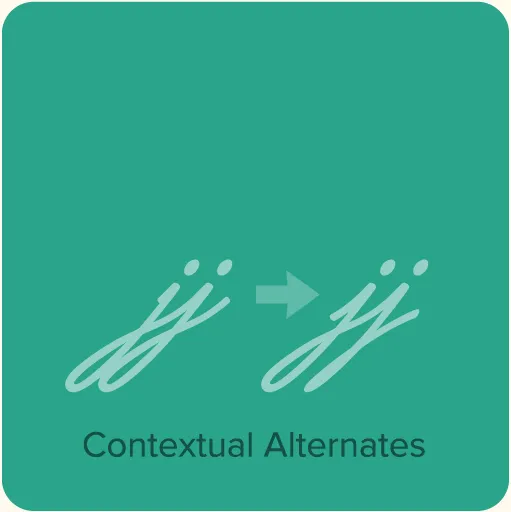
- Lakeside features advanced OpenType magic to automatically choose the appropriate letter shapes as you type based on whether the letter appears at the beginning, middle or end of a word. The crossbar on the lowercase “t” extends itself if space allows.*
- Three different styles of caps: Normal caps, which are the same height as the lowercase ascenders; titling caps, which are about 50% taller than the normal caps; and a set of small, plain caps for setting acronyms, roman numerals or any other case that calls for all caps.*
- Alternate cap “S” (more formal style).*
- Extended language support for most Latin-based Western and Central European languages.
- Automatic, arbitrary fractions.*
*Requires an application or operating system with support for OpenType advanced typography, such as Adobe Creative Cloud, Affinity Designer/Photo/Publisher, or QuarkXPress. Check your application’s user guide. OpenType advanced typography is also supported by most modern web browsers through the use of Cascading Style Sheets (CSS).
Specimens & User Guides
- Lakeside Specimen: The story of Lakeside, feature descriptions, complete showing of the font, and usage examples. 4 pages. 273 KB PDF.
- Lakeside User Guide: Complete instructions for getting the most out of Lakeside and taking advantage of advanced OpenType features. 1 MB PDF.